

In the Studiowide Marketing Automation & CRM system, use a broadcast when you want to send one email to a chosen audience at an agreed time. Use a flow when each contact should get an email after something happens, such as registering for a demonstration or submitting a website enquiry.
When to use a broadcast
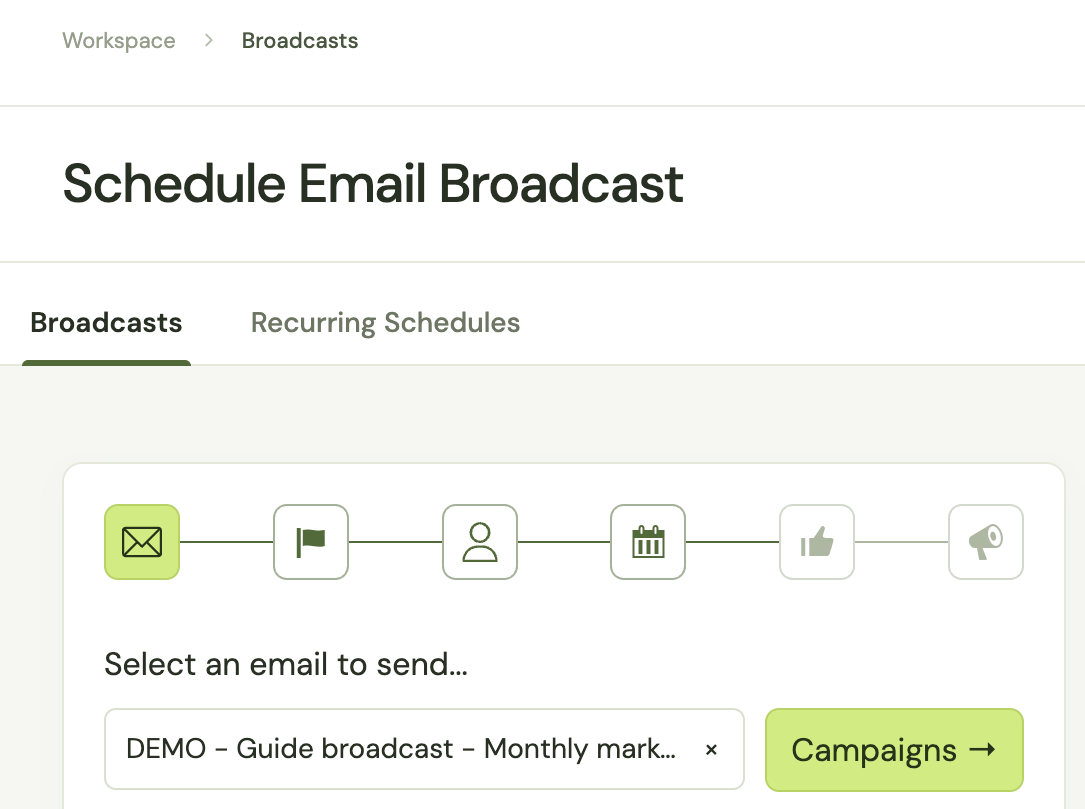
A broadcast suits a product launch, an event invitation or a newsletter. You select the email, the audience and the send time. Open Emails in the sidebar and choose Broadcast at the top right. This opens Schedule Email Broadcast. If there’s a send date, work backwards to allow time to check the recipients and review the test.
For example, invite people who asked for inspection system updates to a demonstration next month. Exclude anyone who has already booked and check that the remaining contacts are eligible for marketing email. Use the campaign preparation checklist to review the message, audience and test before scheduling.
When to use an automated flow
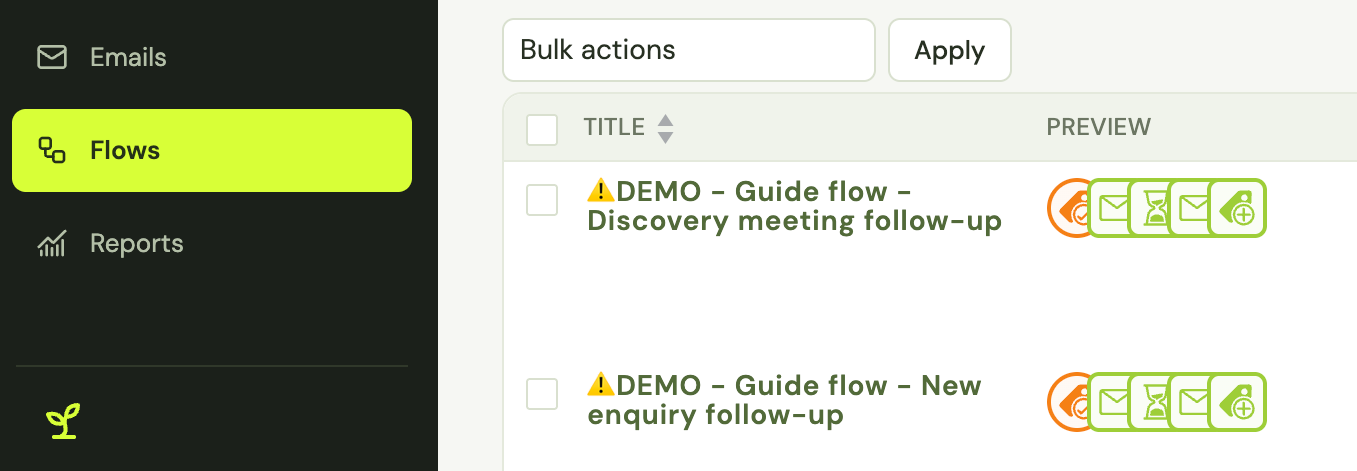
Open Flows in the sidebar when the timing starts with the contact. Use a trigger for the event that matters and an email action for what should happen next. An enquiry can get an acknowledgement as soon as it comes in, even when the sales team is away from the inbox.
Before using the flow, check which contacts can enter, whether a repeat action should send another email and where the flow should stop. The website enquiry acknowledgement guide shows the trigger and email working together.
Example of using both for a product demo
On Tuesday morning, the manufacturer sends one broadcast to eligible contacts who asked for product updates. A buyer books on Thursday afternoon. Their registration starts a flow that sends their booking details straight away. Each attendee receives the confirmation when they book. If the team sends a second invitation, it excludes anyone who has already registered.
Decide the purpose of each message separately. The invitation promotes the demo and belongs in a marketing broadcast. A confirmation that only gives the requested booking details serves the registration. Keep promotional follow-up separate and check the audience’s marketing preferences.