

Prepare a contact list for the Studiowide Marketing Automation & CRM system as a CSV with clear column headings and one verified email address per contact. Check how the file will affect existing records and carry forward any opt-outs before you bring contacts into the workspace.
1. Clean the spreadsheet
- Keep a copy of the original export. In the working copy, use one header row with headings such as Email, First Name, Last Name and any agreed custom fields. Remove totals, extra header rows and unnecessary columns.
- Trim spaces, flag missing or invalid addresses and look for duplicates by email. Where two rows disagree, check the source and resolve the difference before including that address.
- Separate new records from people already in the CRM where practical. Check existing contact details before replacing fields such as owner, product interest or subscription status.
2. Preserve subscription records
Keep a record of where each address came from and what the person agreed to receive, where applicable. Carry forward unsubscribe records and check the file against your do-not-contact list. If a preference is unclear, keep that contact out of marketing until it’s resolved. See the ICO’s guidance on respecting marketing preferences.
Export the cleaned copy as a CSV. Reopen it to check that names, accents and headings still look right and that no columns have shifted.
3. Check the mapping before a full import
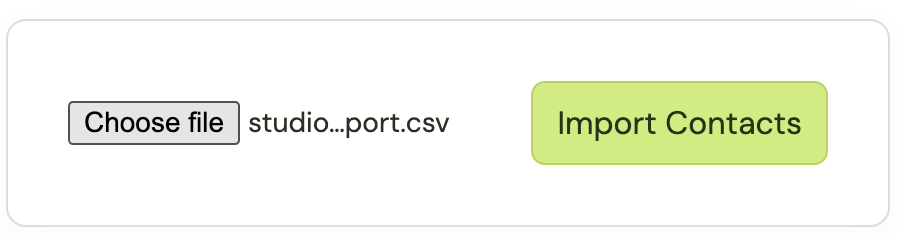
If your role includes importing contacts, open Contacts and select Import. Choose a small sample CSV and select Import Contacts on the upload screen to open Map Contact Fields.

Map Email to Email Address and match each remaining heading to its contact field. Use Next to check how another row lines up. The Import Contacts button on the mapping screen starts the import.
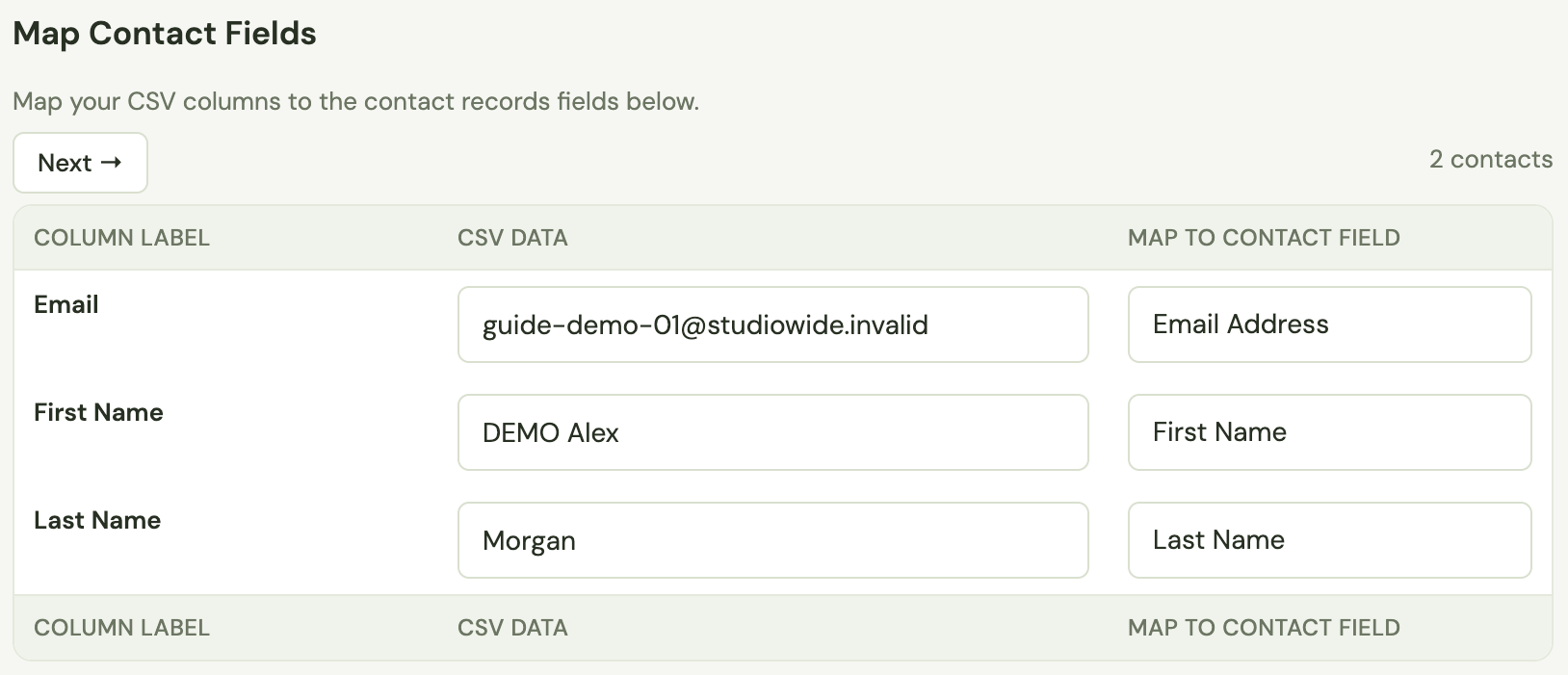
In a test workspace, check a new record and an existing record. Confirm their field values and subscription status before running the full import. Review any flows that use the tags in the import so contacts enter only the intended workflows.
Example of preparing an event contact list
An event spreadsheet contains a buyer twice and includes another attendee who has unsubscribed from email updates. The coordinator resolves the duplicate using the event record and preserves the unsubscribe. In the sample check, they confirm the event name lands in the right field and that the unsubscribed record is still excluded from the marketing audience.